
Events
Create an event
Turn an idea into a shared plan by adding the essentials first and building out the event when you are ready.
Start a new event
From Home, choose Create event. Add an event name so the draft is easy to recognize.
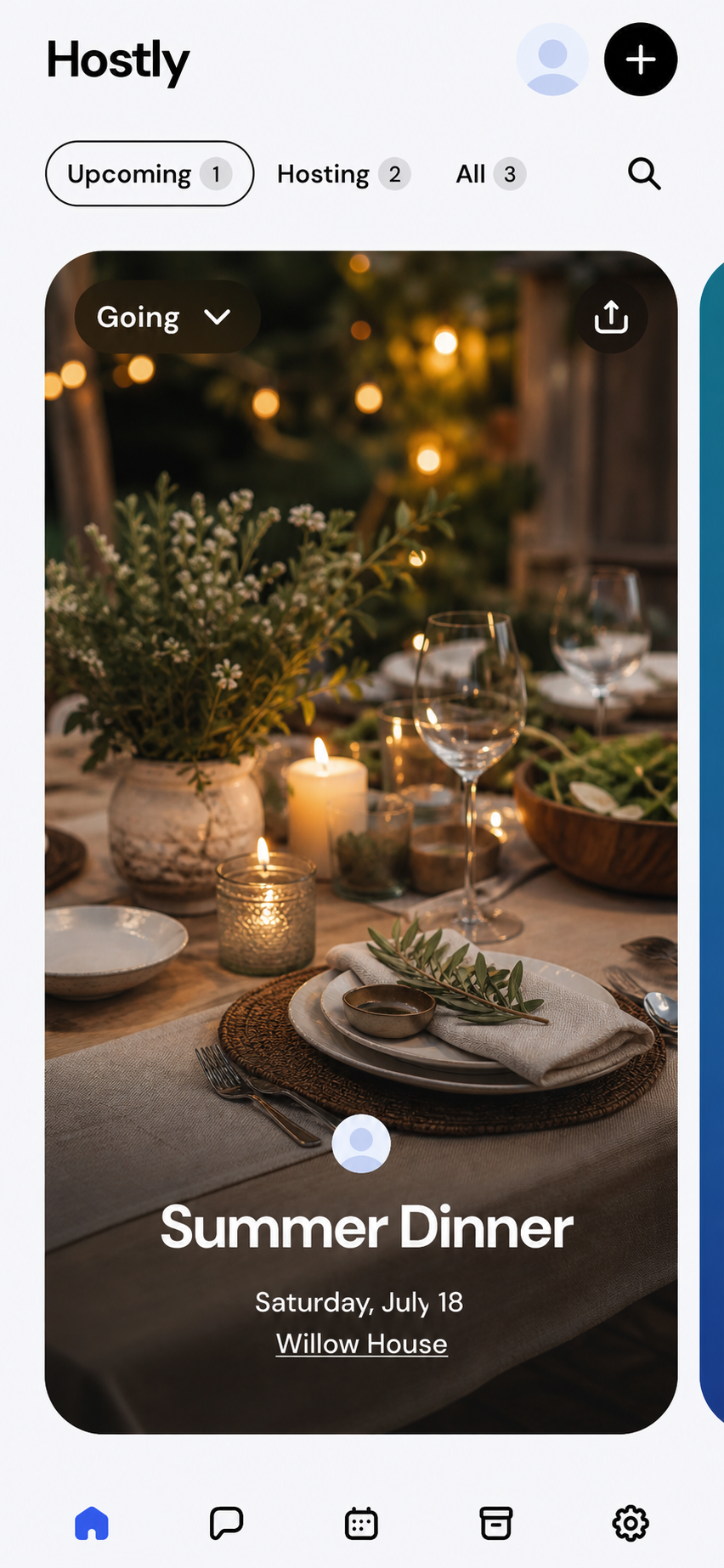
Add the practical details
Choose the date and time, add a location, and write a short description that tells guests what to expect or bring.
Set up invitations
Open Invites under Event settings. Choose the invitation options that fit your event before sharing it.
Create the event
Review the details and choose Create. Hostly opens the event details page, where you can invite people and add planning tools.
Expected result
Your event appears on Home and in your calendar, ready for you to invite guests.Platform notes
Before you continue
The creation flow uses the same fields and settings on both platforms.
Double-check the time zone, address, and invitation settings. Guests rely on these details as soon as you send the link.
Troubleshooting
If something does not look right
Create is unavailable
Complete every required field and correct any message shown beneath a field, such as a start date in the past.
The location is not found
Try the street address without a venue name, then add the venue name to the description if needed.
Understand how it works
Hostly concepts behind this task
Start a new event
Use the create action from Home and give the event a clear name. You can begin with the essentials and add planning tools or invite guests after the event exists.
Choose a date and time
Set when the event begins and, when useful, when it ends. Review the date, time, and time zone carefully before inviting people so everyone receives the intended schedule.
Add a location
Search for or enter the place where people should arrive. Use the description for apartment numbers, parking instructions, online meeting links, or other context that does not belong in the location name.
Add a photo and description
A recognizable photo and concise description help guests understand the plan quickly. Include the details everyone needs, while keeping private or changing coordination inside the event rather than on a widely shared invitation.
Review before creating
These details become the event overview participants use as their shared source of truth.
Invite people
After creation, invite friends directly or share an invitation link when allowed. You can continue adding sign-up sheets, polls, checklists, and reminders as the plan develops.
Common questions
Quick answers
Can I edit the event after creating it?
Yes. Open the event, choose its actions menu, and select Edit event.
Can I create an event without inviting anyone?
Yes. Create the event first and invite people whenever you are ready.
Article feedback