
Settings
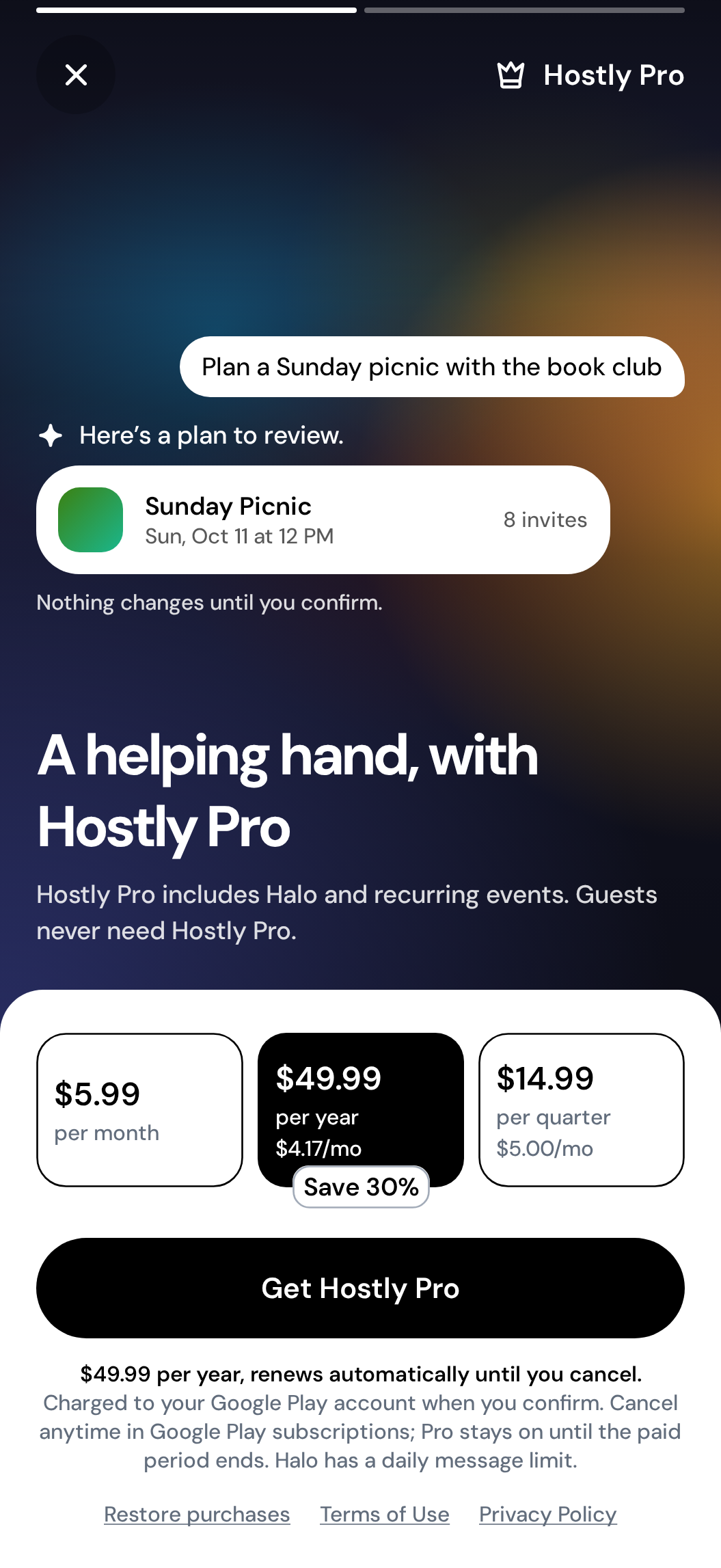
Hostly Pro
Unlock expanded planning capabilities and account options for hosts.
Open your subscription
Open Settings, choose Account, then Manage subscription. Hostly shows your current plan and the store that manages it.
Change or cancel through the store
Continue to Apple App Store or Google Play subscription management. Follow the store’s confirmation steps.
Return to Hostly
Reopen Hostly after the store confirms the change. Your access remains available through the paid period shown by the store.
Expected result
Your App Store or Google Play subscription page shows the new billing state and renewal date.Platform notes
Before you continue
Apple manages purchases, cancellation, and refund requests made on iPhone.
Google manages purchases, cancellation, and refund requests made on Android.
Troubleshooting
If something does not look right
The subscription is not listed
Confirm the phone is signed into the Apple or Google account used for the purchase, then reopen Manage subscription.
You need a refund
Request it from the store that processed the purchase. Hostly cannot directly reverse an App Store or Google Play charge.
Understand how it works
Hostly concepts behind this task
Recognize Pro features
Hostly marks expanded host capabilities where they appear and explains when a subscription is required. You can still review the surrounding workflow before deciding whether the additional capability fits your planning needs.
Review your subscription
Open Account settings to see the subscription state available to your account. Management options depend on where the subscription was started and are shown in that account area.
Keep account access separate
A Hostly Pro subscription changes available product capabilities; it does not change friendships or automatically grant access to private events. Event roles and invitations continue to control who can see and manage a plan.
Common questions
Quick answers
Does cancelling remove Pro immediately?
Normally, access continues until the end of the paid billing period shown by your app store.
Can I manage billing on the Hostly website?
Mobile subscriptions are managed by the Apple App Store or Google Play account that purchased them.
Article feedback